Guide
OOPBuy Spreadsheet Sneakers Checklist
A practical checklist for using OOPBuy Scout to sort sneaker finds, compare QC risk, and avoid opening every product page cold.
A sneaker spreadsheet is useful only when it saves time. The better habit on OOPBuy Scout is to treat the sheet as a first pass: scan the sneaker category, open only the pairs with a clear side profile, and keep a small shortlist before you start comparing agents.
Start from the spreadsheet view, then narrow into sneakers. The goal is not to collect every possible link. It is to find the few pairs that have enough image detail, recognizable shape, and a source page worth checking again after QC photos arrive.
What to check before saving a sneaker
- Look for a full side view first. Toe shape, heel height, collar opening, outsole edge, and logo placement should all be visible.
- Keep the source price in context. A cheap pair with weak photos can cost more time than a better documented pair.
- Use the product page notes to decide what QC photos you will ask for later.
- Do not add ten versions of the same silhouette unless the color or material difference is meaningful.
For a first shortlist, compare examples like Miu Miu White Bow Sneaker, Onitsuka Tiger Black Low Sneaker, Jordan Air Jordan 3 Blue Sneaker, and Adidas Originals Samba Black White. They give you different shapes to compare instead of four near-duplicate rows.
Use QC pages before checkout
Before opening an agent checkout, run the pair through the sneaker QC path. Check side alignment, stitching near the heel, outsole glue lines, tongue shape, and whether the seller photos match the product page promise. If the page is missing a useful angle, write that down before ordering so the warehouse request is specific.
A calm shortlist beats a noisy spreadsheet. Three well-checked sneaker links are easier to manage than twenty maybes sitting in a cart.
Related route index
Sneakers
Browse Sneakers through OOPBuy Directory, with domain-specific buying notes, QC reminders and agent-friendly details for US shoppers.
Open route indexMore paths
Explore the matrix
Route picks
Route-linked finds
Product pages connected to this route note for category fit, QC questions and OOPBuy handoff research.
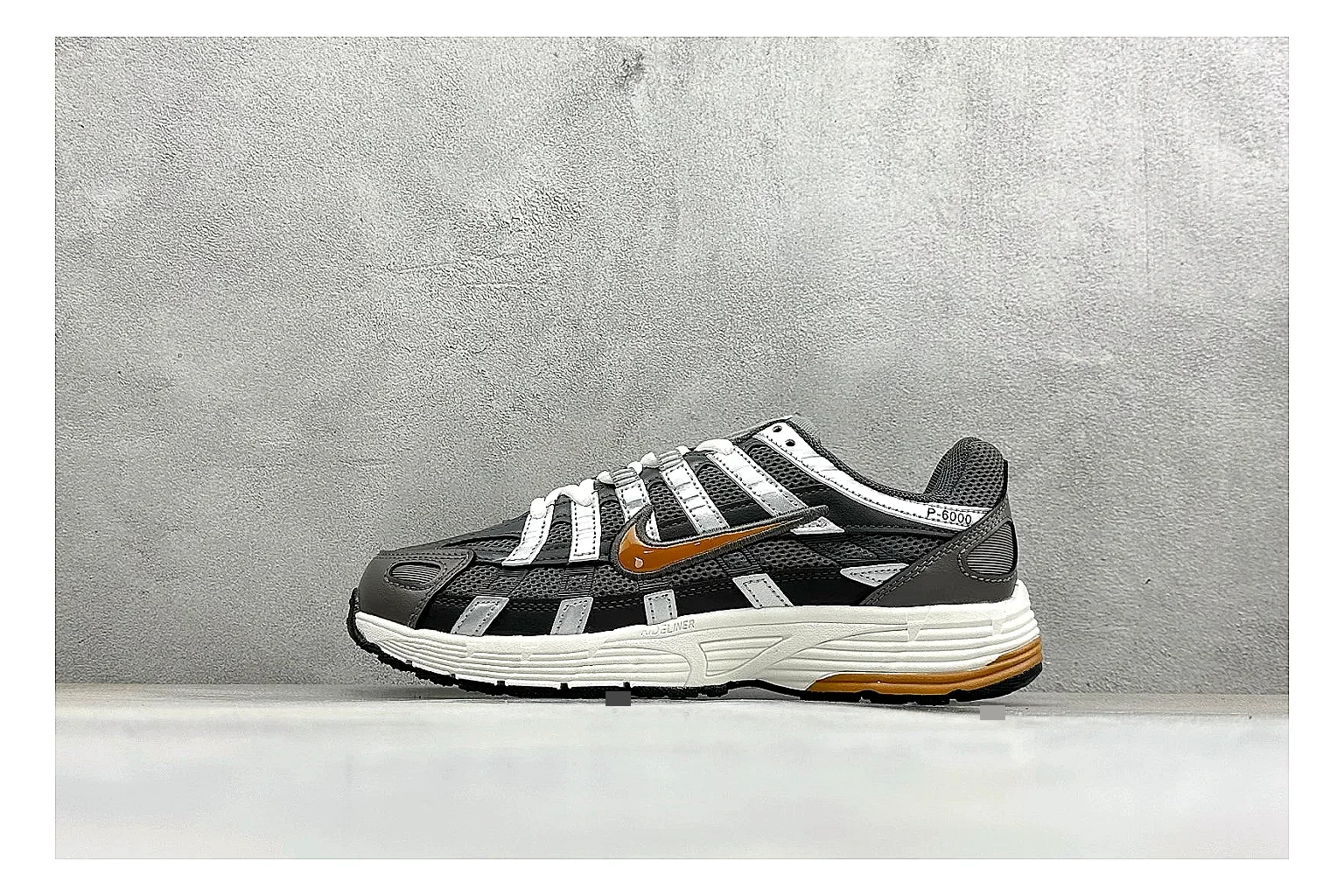
OOPBuy directory notes for saving this black orange P-6000 running sneaker with route, size, color, and checkout details.
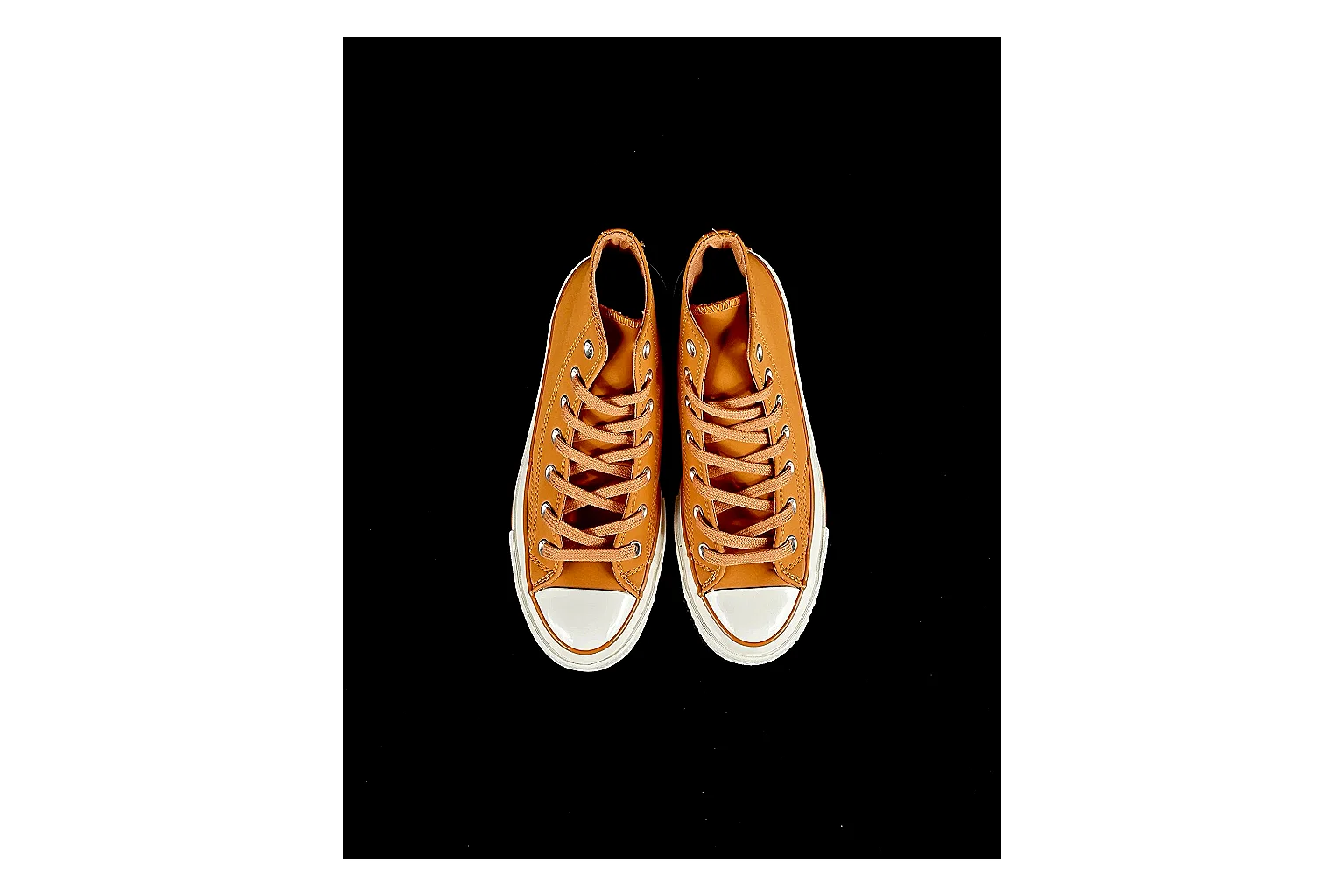
Route-focused note for Casual Low-Top Sneaker 6873; confirm toe shape, side panels, logo or stripe placement, heel tab, and outsole edge, SKU 1182166873, and the category path before adding it to an OOPBuy cart.
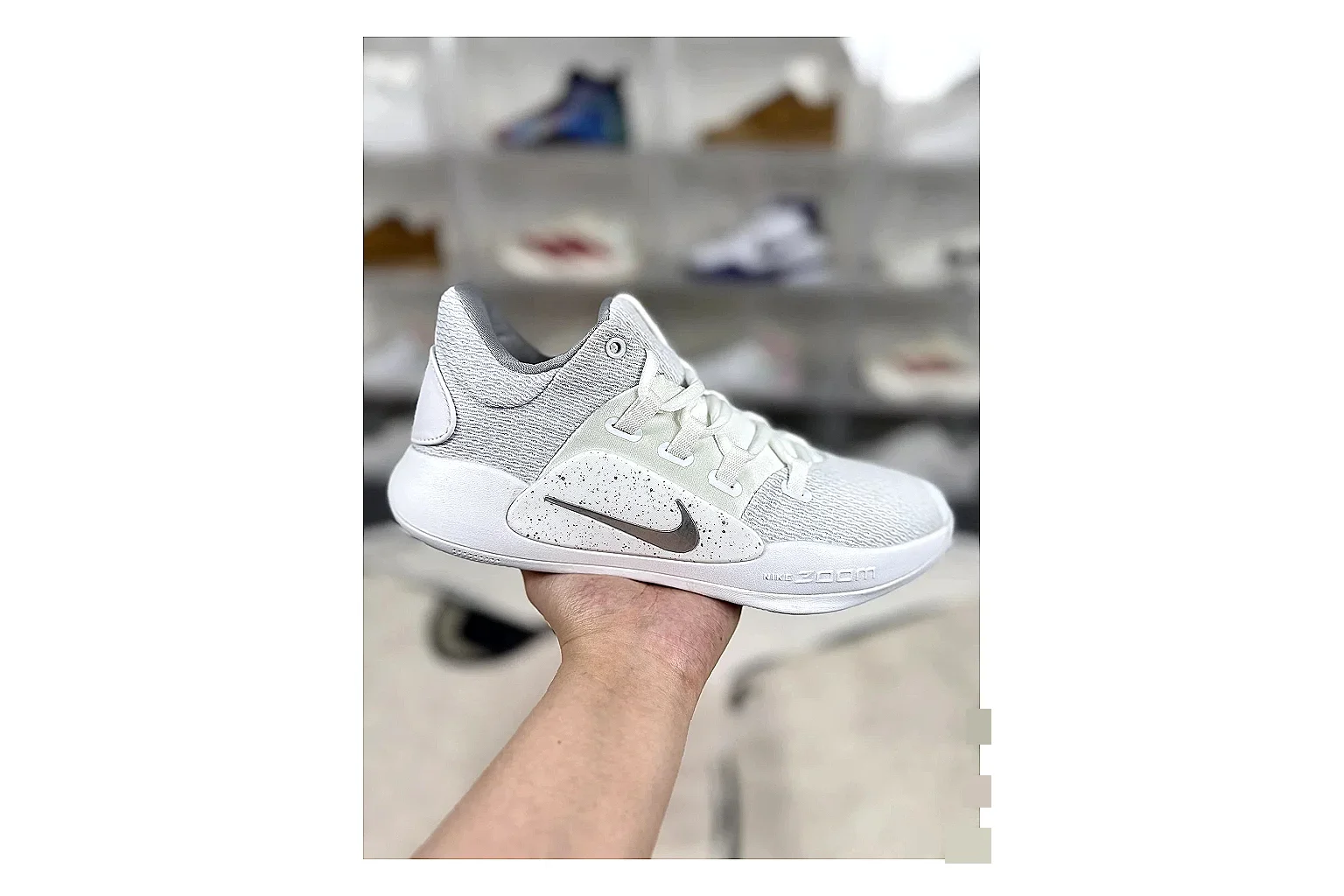
Route-focused note for Nike Hyperdunk Mixed Sneakers; confirm toe shape, side panels, logo or stripe placement, heel tab, and outsole edge, SKU 1194923103, and the category path before adding it to an OOPBuy cart.
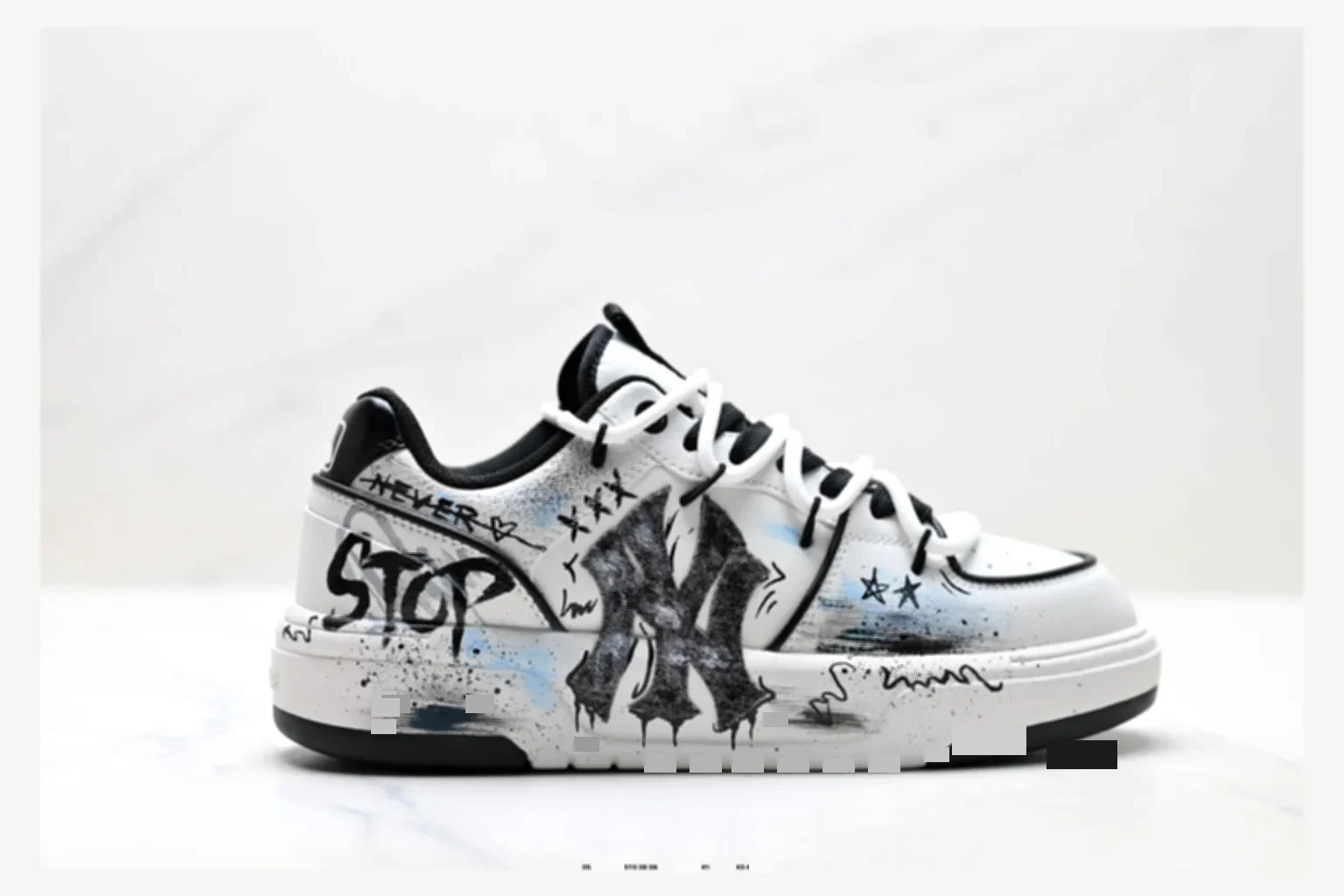
Route-focused note for MLB Chunky Liner Mixed Sneakers; confirm toe shape, side panels, logo or stripe placement, heel tab, and outsole edge, SKU 1182167452, and the category path before adding it to an OOPBuy cart.