Guide
The Sneaker Spreadsheet Cleanup Before Checkout
A practical OOPBuy Scout routine for turning a crowded sneaker spreadsheet into a short, checkable list before opening agent checkout.
A sneaker spreadsheet gets messy faster than most buyers expect. One late-night search turns into forty open tabs, five versions of the same colorway, and a cart that looks busy but not actually better. Before opening checkout, I like to cut the list down until every remaining row has a reason to stay.
On OOPBuy Scout, the useful starting point is the sneakers category, not the biggest possible list. The goal is not to collect every Weidian link. The goal is to keep a small group of pairs that can survive a real QC check once they reach the warehouse.
Remove the rows that cannot be judged
The first pass is simple: delete anything that hides the shape of the shoe. If the main photo only shows the box, the outsole, a tight logo crop, or a seller collage with half the pair cut off, it does not deserve the same attention as a listing with a clean side view. A buyer cannot check toe shape, heel height, side panel balance, or sole proportion from a mystery angle.
- Keep rows with a full side or 45-degree view.
- Flag rows where the toe, heel, collar, or outsole edge is blocked.
- Move blurry or over-filtered listings into a backup group, not the main cart.
Compare the real cost, not just the listed price
The cheapest row often looks best until shipping and replacement risk show up. A low-price sneaker with weak seller photos may cost more time than a slightly higher row with clearer material shots and better size notes. I mark a row as serious only when the price still makes sense after agent fees, estimated parcel weight, and the chance of needing an exchange.
This is also where duplicates get trimmed. If three rows show the same style, keep the one with the cleanest photos, the most useful size information, and the least guessing. The other two can sit in a fallback note in case the seller is slow or the warehouse photos come back poorly.
Write the QC request before paying
A good spreadsheet row should tell you what to ask for later. For sneakers, I want one full side view, one top view, heel photos, outsole photos, and close-ups of labels, stitching, or logo zones that matter for that pair. If I cannot write that request from the listing, the row is probably too vague.
Use the sneakers QC path as a final sanity check before checkout. If a pair needs too many assumptions before it even reaches the warehouse, it is better as a saved idea than a paid order.
The cleaned-up spreadsheet should feel quieter. Fewer rows, clearer reasons, better backup options. That is when checkout becomes a decision instead of a scroll.
Related route index
Sneakers
Browse Sneakers through OOPBuy Directory, with domain-specific buying notes, QC reminders and agent-friendly details for US shoppers.
Open route indexMore paths
Explore the matrix
Route picks
Route-linked finds
Product pages connected to this route note for category fit, QC questions and OOPBuy handoff research.
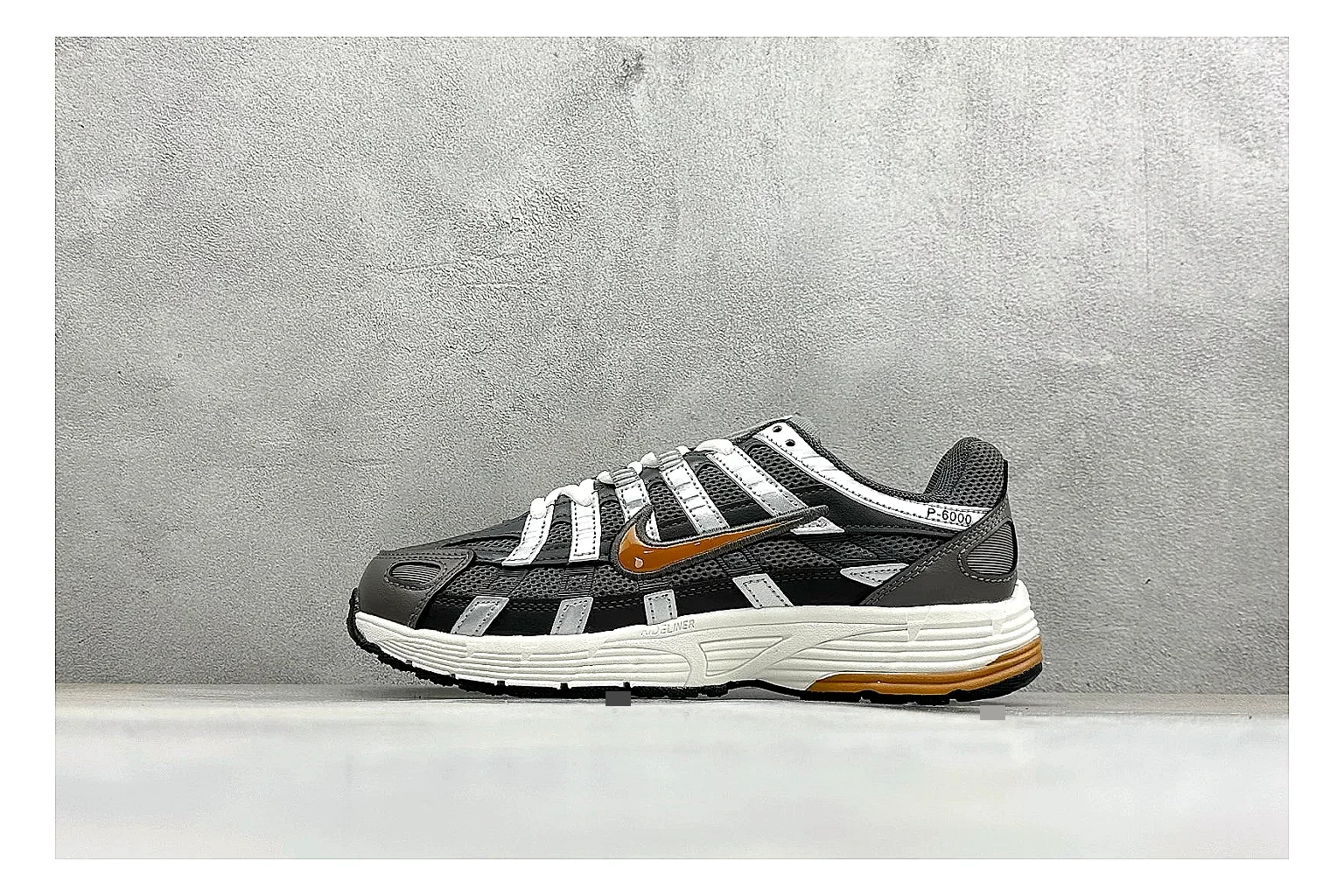
OOPBuy directory notes for saving this black orange P-6000 running sneaker with route, size, color, and checkout details.
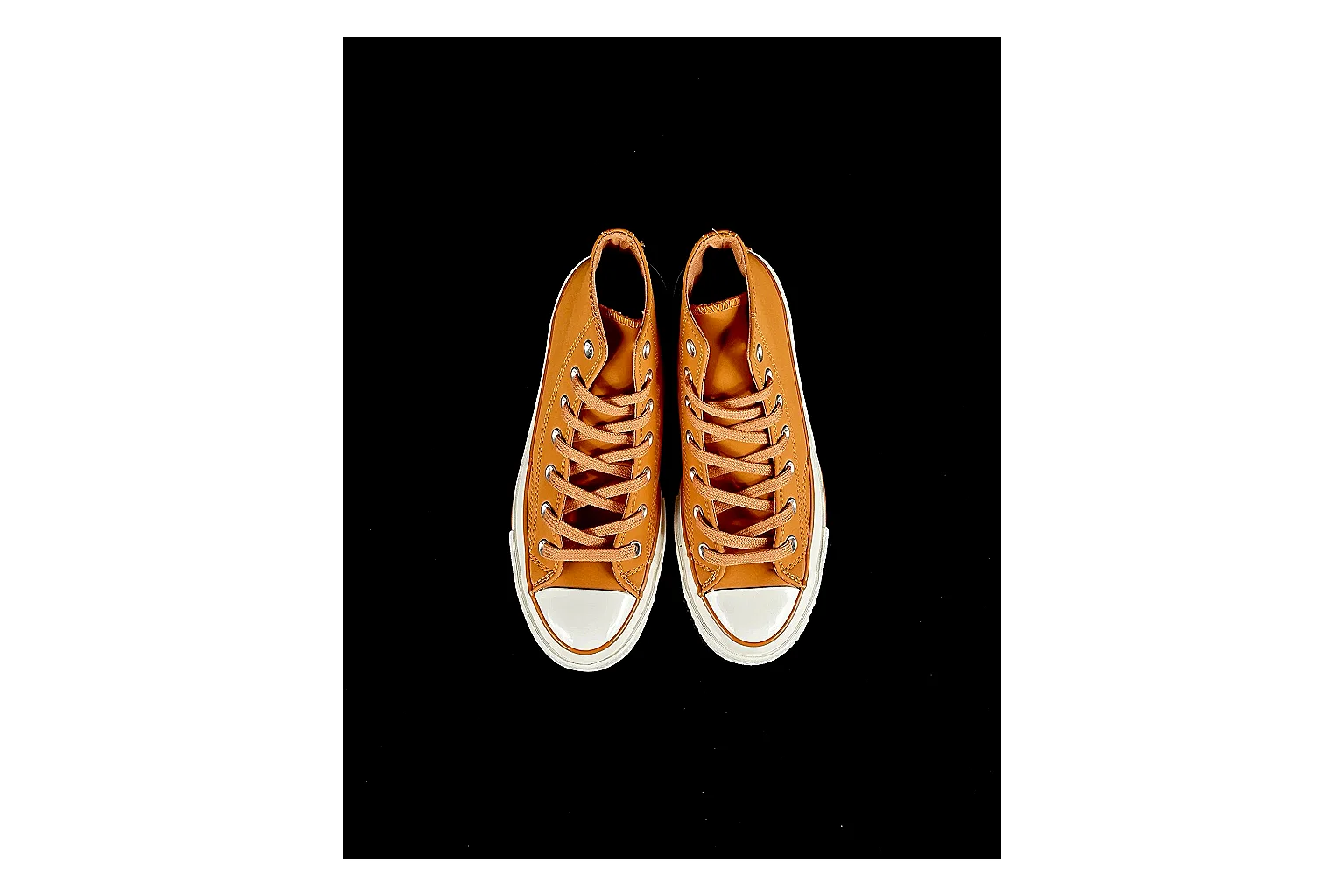
Route-focused note for Casual Low-Top Sneaker 6873; confirm toe shape, side panels, logo or stripe placement, heel tab, and outsole edge, SKU 1182166873, and the category path before adding it to an OOPBuy cart.
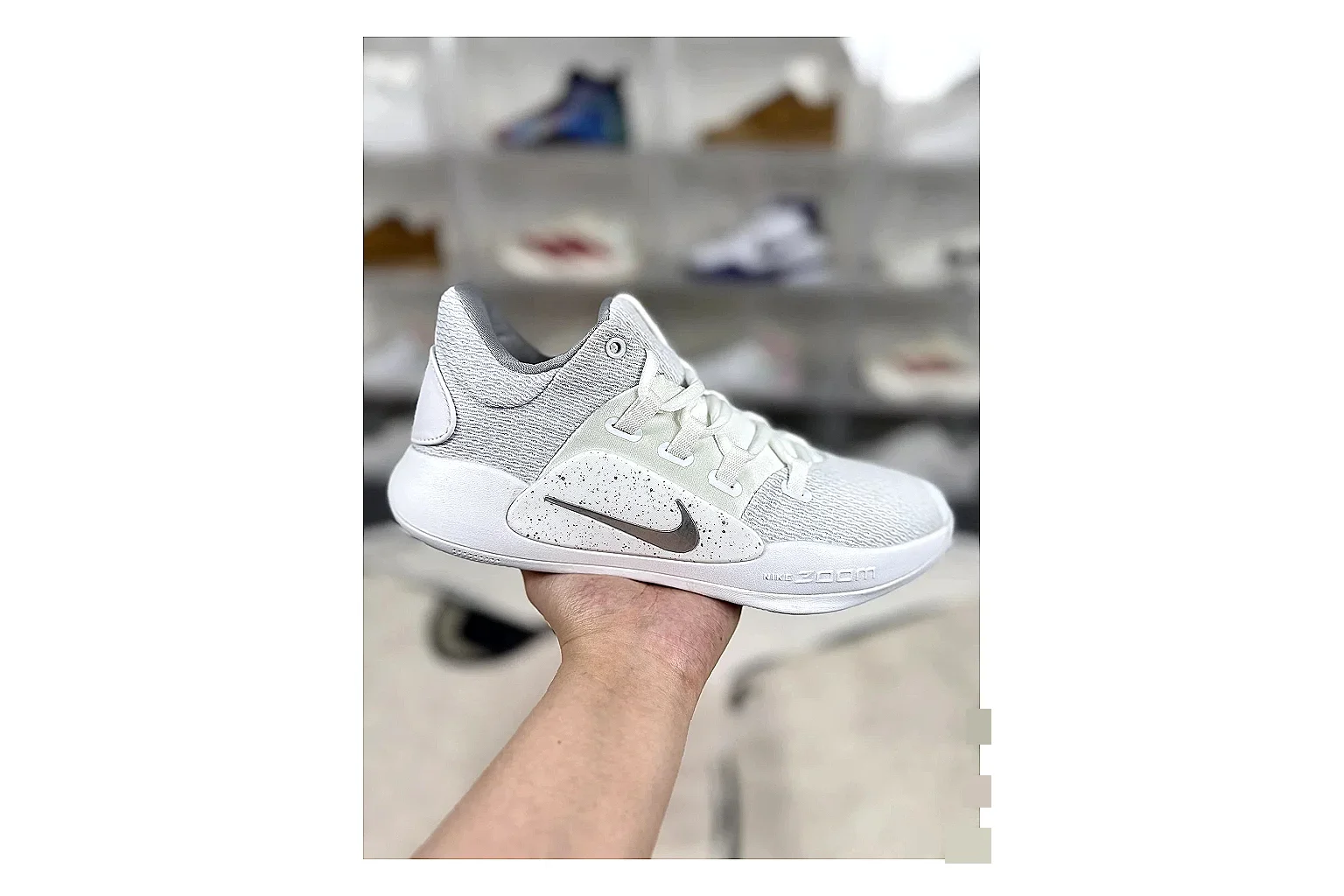
Route-focused note for Nike Hyperdunk Mixed Sneakers; confirm toe shape, side panels, logo or stripe placement, heel tab, and outsole edge, SKU 1194923103, and the category path before adding it to an OOPBuy cart.
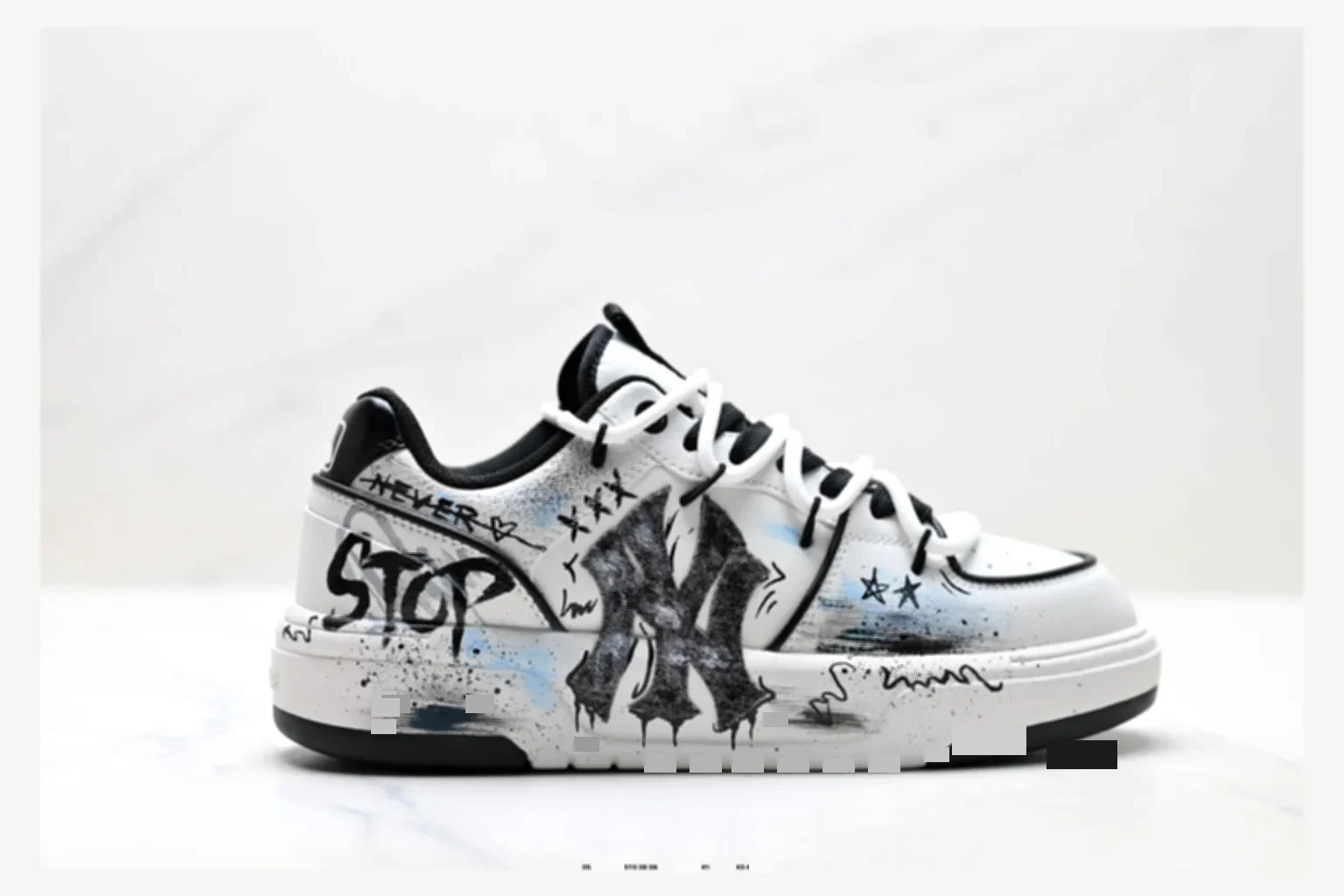
Route-focused note for MLB Chunky Liner Mixed Sneakers; confirm toe shape, side panels, logo or stripe placement, heel tab, and outsole edge, SKU 1182167452, and the category path before adding it to an OOPBuy cart.